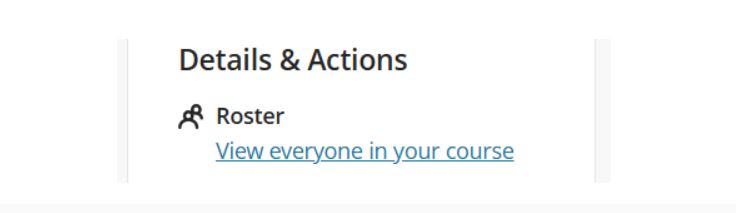
Knowledge Base SubmenuKnowledge BaseBatch Edit in UltraHome›About›Administration & Governance›Division of Academic Affairs›Academic Computing›Blackboard Ultra›Faculty Resources›Knowledge Base›Knowledge Base View Course Roster Step 1: Access the Course Roster Log in to your Blackboard Learn Ultra course. In the Details & Actions panel on the right-hand menu, click “View everyone in your course” under Roster.