
Knowledge Base
Taking Attendance in Blackboard Ultra
The Attendance tool in Blackboard Ultra allows instructors to record student attendance for each class session and optionally include it in the course grade.
Step 1: Access the Attendance Tool
- Log in to Blackboard Learn Ultra.
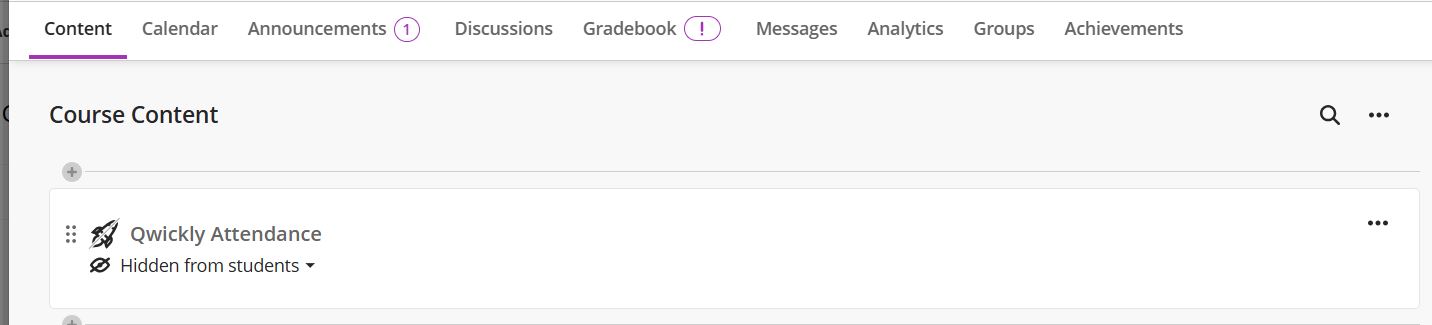
- Click on the Qwickly Attendance Link to open the Qwickly Attendance portal
If you haven’t set up the Attendance tool yet, follow the “Setting Up the Qwickly Attendance Tool” guide first.
Step 2: Mark Student Attendance
- In the Qwickly Attendance portal, choose any of the available modes to take attendance. Check out the attendance mode here